
Installation Guide
Follow three simple steps to start breathing cleaner air.
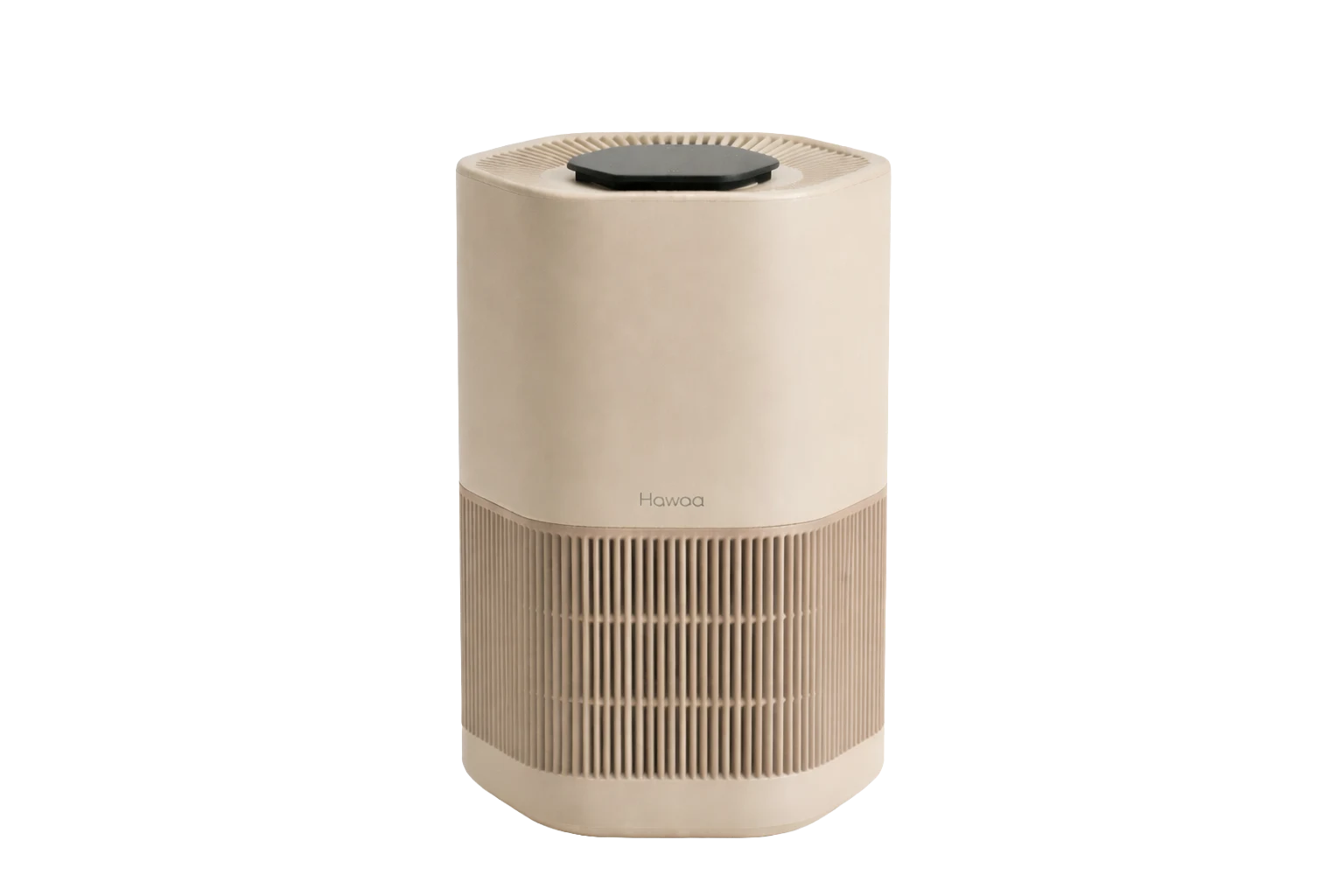
Takes less than a minute
The Setup
No tools. No manual marathon. This is the entire process, start to finish.
Lift your Hawaa Edge out of the box and remove the protective packaging. Nothing to assemble.
Open the filter compartment, peel the plastic wrap off the filter, place it back, and close it up.
Plug it in and tap the power icon on the touch panel. You're already breathing cleaner air.
Done in under a minute. The rest of this page helps you get the most out of it.
Placement Guide
Keep 20–30 cm clearance so airflow is not restricted.
Touch Controls
The panel on top of your Hawaa Edge, exactly as you'll find it. Try the keys.
Power Turn the purifier on or off
Tap a key to explore
Smart Control
Control your purifier from anywhere using the Google Home app. Four steps, one-time setup — watch it happen on the screen as you scroll.
Turn on the purifier and tap the Wi-Fi icon on the control panel.
Open your phone's Wi-Fi list and select hawaa-setup.
A setup page opens automatically. Enter your home Wi-Fi name and password.
In the Google Home app, add a device, search for Hawaa, and enter the device code.
Filter Care
Three layers do the work. A simple care rhythm keeps them at their best.
Always turn the purifier off before removing, cleaning, or replacing the filter.
Use a soft brush or vacuum gently to remove visible dust buildup.
Hawaa will notify you when it's time to replace the filter after regular use.
The filter is not washable. Water can damage the HEPA and carbon layers.
Our support team can walk you through any step.
